Phast 6.7
Phast features are described in more detail in the release notes included in the documentation on this download.
This document details the installation of Phast, Phast Micro and Phast FX from the downloaded file and offers access to the Release and Installation documents.
Recommended installation process:
- Create an empty folder somewhere on your local drive.
- Unzip the downloaded file into an empty folder. If you are using Windows’ File Explorer, please open the zip file, select all files and drag them into the newly created empty folder. Running the installation from within the zip file without decompressing it can cause failure in a later stage.
- Firstly read the Installation notes before starting any installation.
- If you would like to share the Admin Files Folder (see the Installation notes for details), you must install the Admin Files before installing the Study Manager.
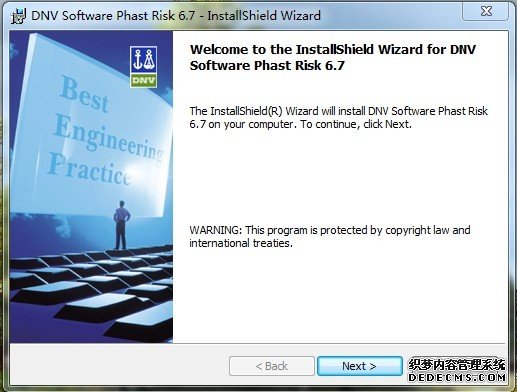
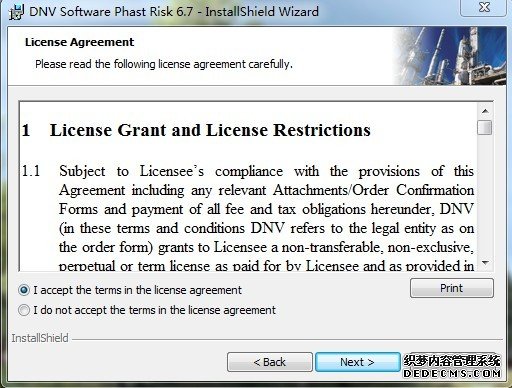
- Install Phast 6.7: this installation includes Phast, Phast Micro and Phast FX.
- View the Release Notes
- For technical assistance please contact DNV Software Helpdesk
声明:本站提供网上学习和交流平台,文章和资料均由网友自由上传,版权归原作者所有,只做为交流学习之用,不得用于商业用途,法律后果自负。如您(单位或个人)认为本网站某部分内容有侵权嫌疑,敬请立即联系我们,我们将在第一时间予以更改或删除。谢谢合作!